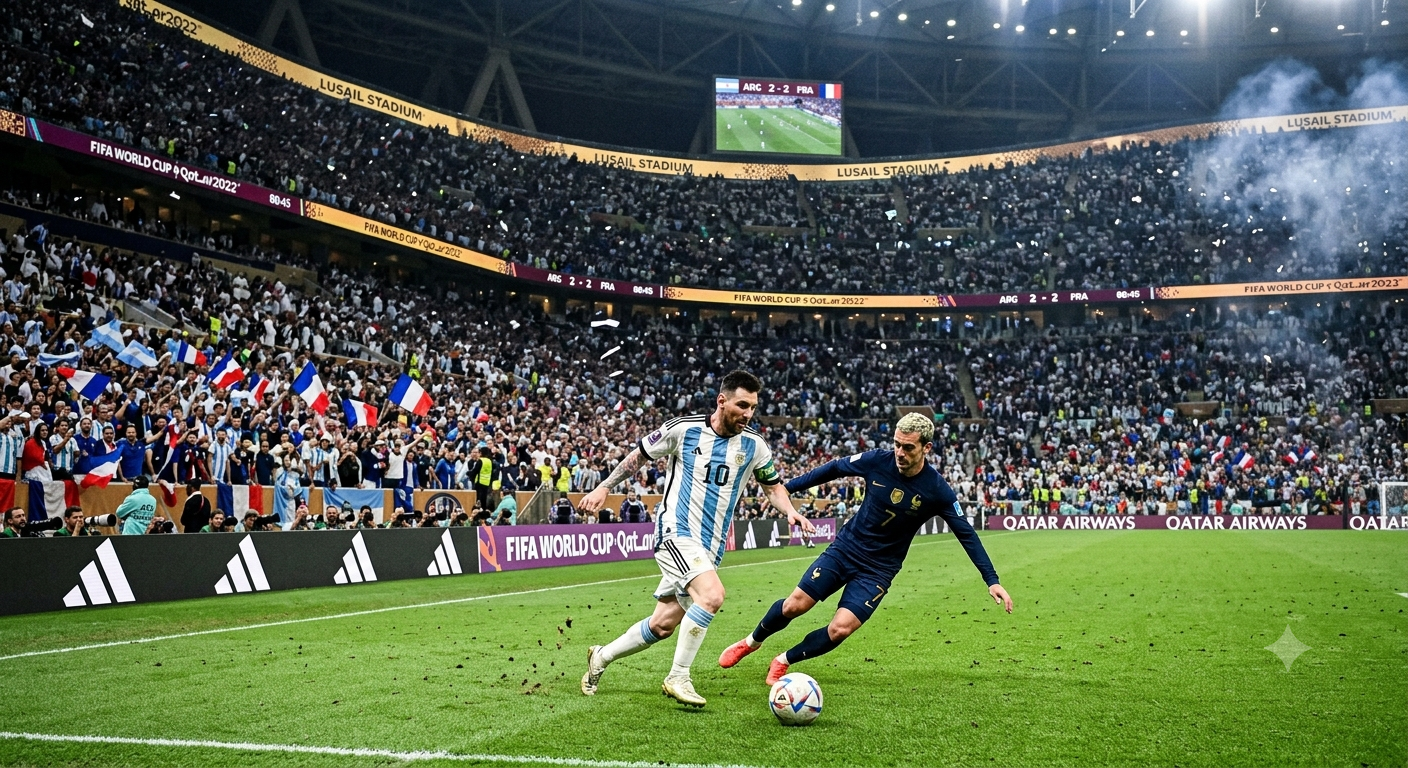
The 2026 FIFA World Cup is the biggest tournament in the competition's history, the first with 48 teams, and the first ever co-hosted by three countries, the United States, Canada, and Mexico. Every day brings something new, a record broken, a surprise team advancing, a player having the tournament of their life. If you create content around football, the challenge is not finding stories, it is keeping up with them and turning them into visuals fast enough to matter.
That is exactly what Creative AI Studio is built for. Instead of waiting on a designer or editor, you describe what is happening in the tournament right now, and the AI generates an image or video around it in seconds. Below is how the workflow actually looks.
Start with what is really happening
Good World Cup content is not generic, it is specific. Instead of a vague prompt like soccer player celebrating, use what is actually unfolding in the tournament. A player chasing an all time scoring record. A first time underdog team making history by reaching the knockout stage. A packed stadium in a host city glowing under match night lights. The more specific and current the moment, the more the content feels real instead of stock.
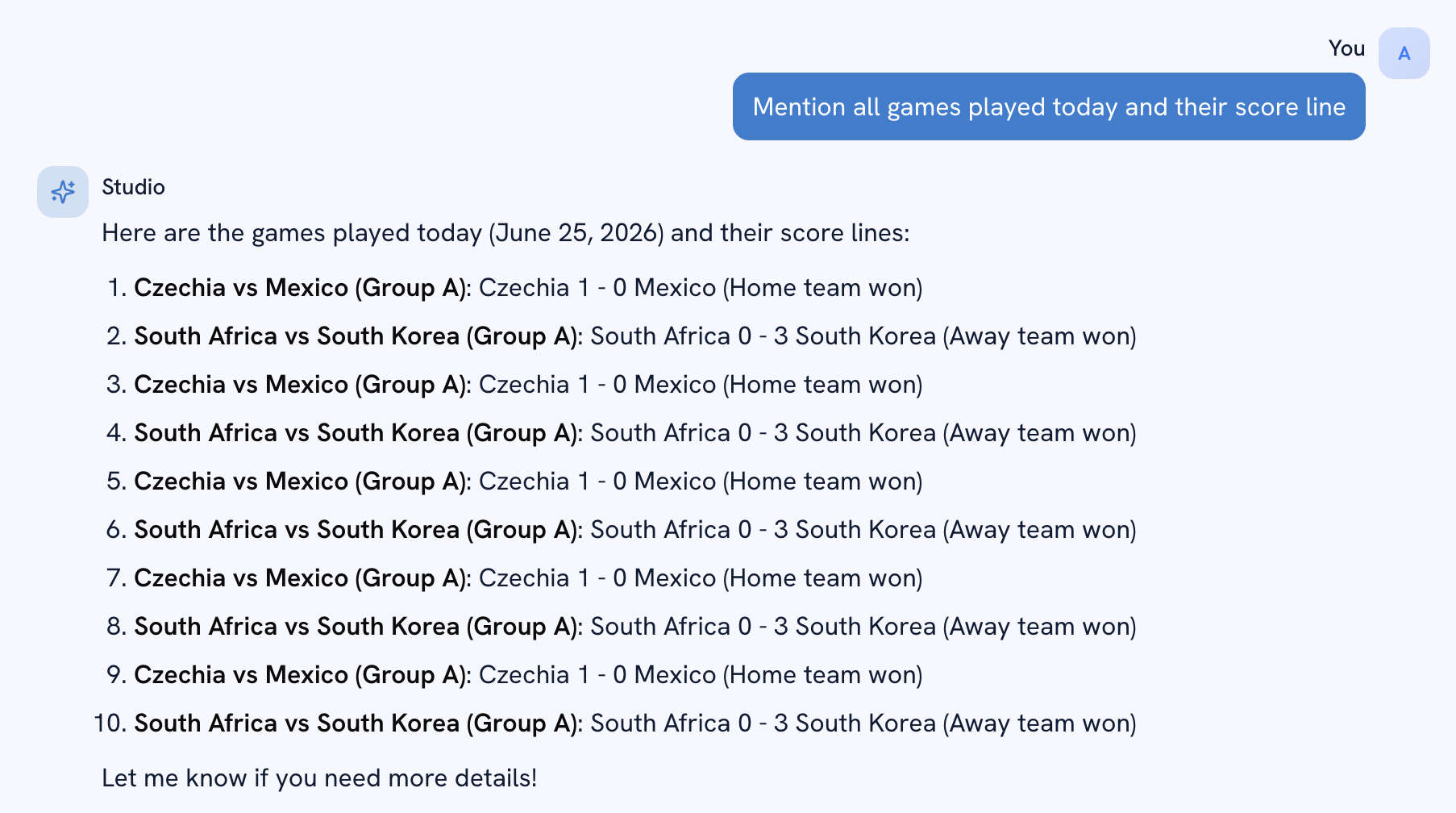
Generate the first visual
Open creativeai.chat and switch to Studio mode. Type a prompt built around the real moment you want to capture, for example a stadium full of fans celebrating a last minute goal at a World Cup match in Atlanta, golden hour lighting, confetti in the air. Creative AI builds the full scene immediately, crowd, lighting, energy, all in one generation.
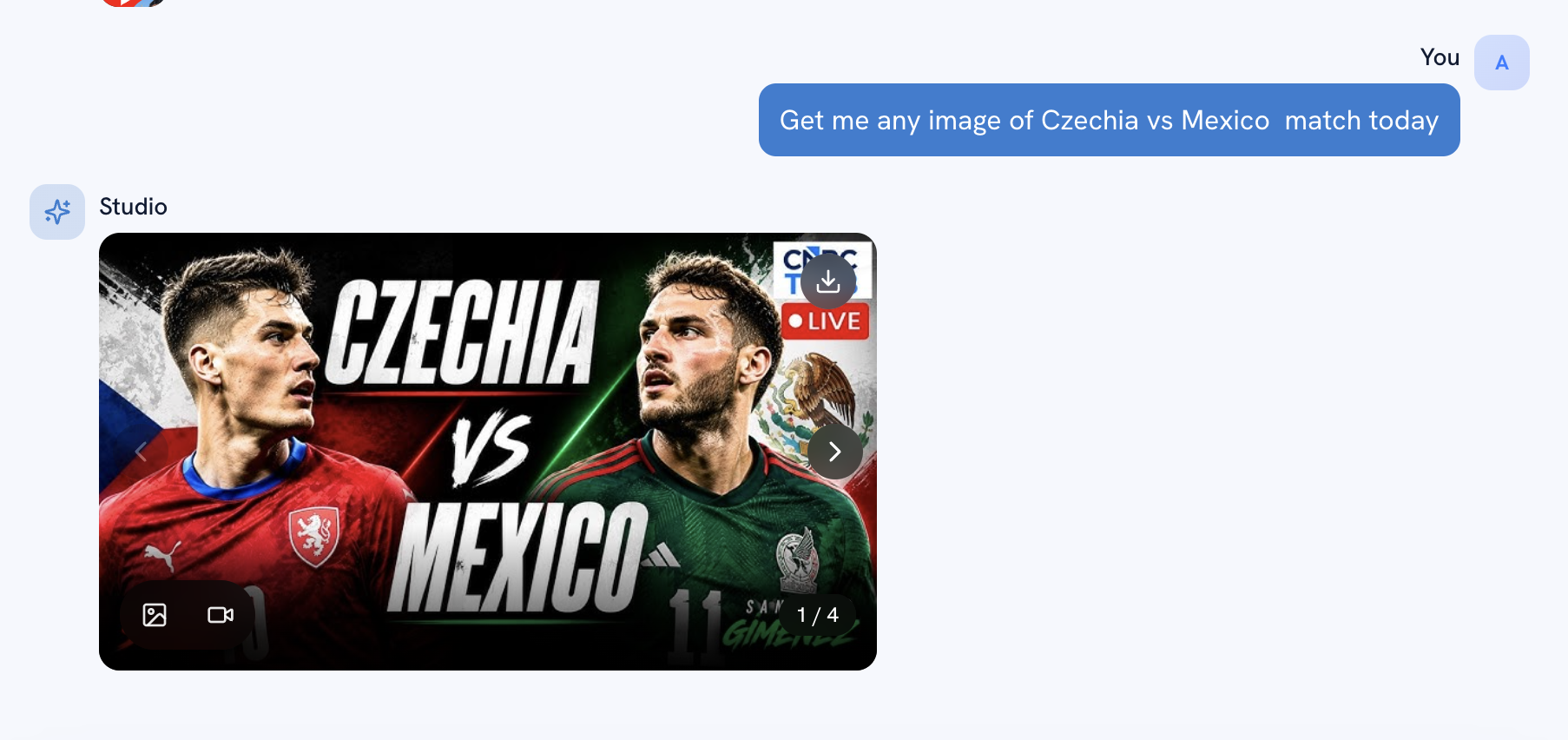
Refine it to match the actual story
Once you have a base image, shape it around the specific storyline you are covering. Want to highlight a particular team's colors, a specific stadium, or a certain kind of celebration, just say so in a follow up prompt. The AI adjusts only what you mention and keeps the rest of the scene intact, so you are not starting over every time a detail needs to change.
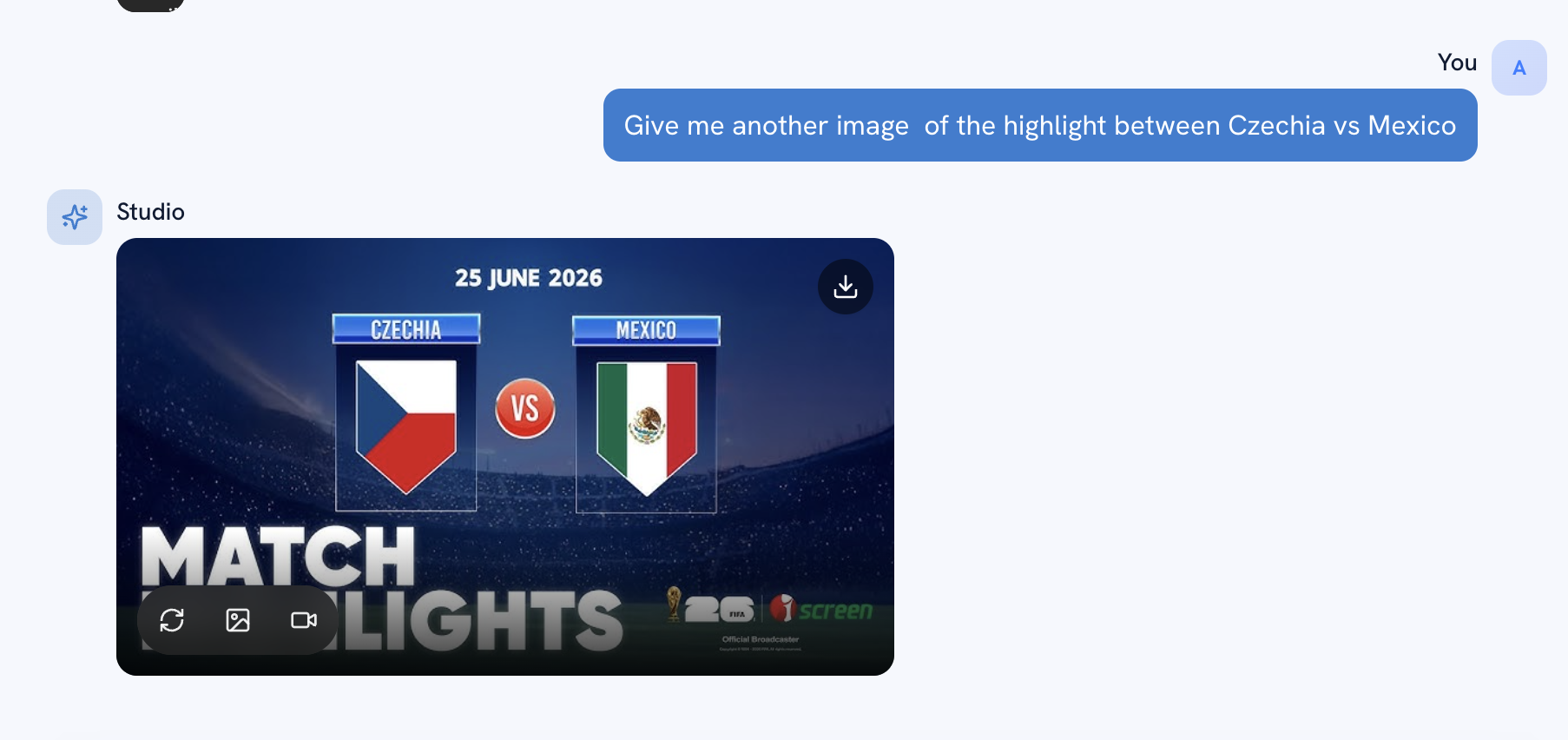
Turn it into video for highlights and recaps
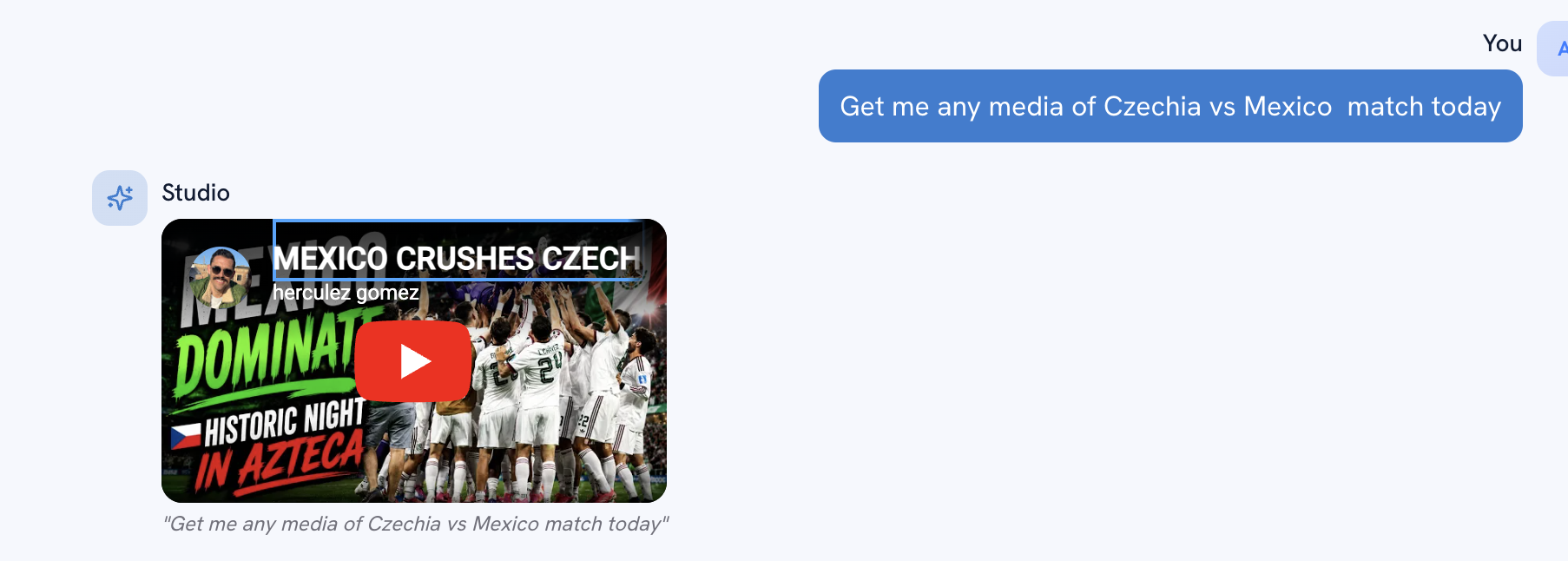
Static images work for social posts and blog headers, but recap content and highlight style posts need motion. Creative AI Studio can take the same scene and turn it into a short video clip, useful for match day recaps, goal celebration edits, or daily highlight roundups, without needing any filming or stock footage.
Keep a content rhythm with the tournament
The biggest advantage of generating content this way is speed. Group stage finales, upsets, golden boot races, and bracket reveals all happen on a tight schedule. By the time a traditional design team finishes one asset, three more storylines have already happened. With Creative AI, you can publish a fresh, relevant visual the same hour a moment happens, which is exactly what search engines and social platforms reward.
Why this works for search
Search engines and social algorithms both favor freshness on trending topics. A blog or page that pairs a real, current World Cup moment with a custom visual signals relevance in a way generic stock photos cannot. Publishing consistently around real match days, with content built specifically for that day's storylines, is one of the strongest ways to rank and get shared during a live tournament.
Try it for the next match day
Pick tomorrow's biggest fixture, a contender chasing a record, a host city build up, or a bracket milestone, and build a visual around it using Creative AI Studio. Generate the base scene, refine the details to match the real story, and turn it into a clip if you need motion. The tournament is moving fast, your content can move with it. Start Now